Reshape an image's style
Change the palette and corrections to reshape the same image as a vintage poster, retro game graphic, monochrome artwork, and more.
 Palette Forgev0.1.143
Palette Forge is a browser-based editor for reconstructing the colors of images and videos with the palette you choose. Adjust color correction, fixed colors, palette weights, surface cleanup, pixelation, and other conversion controls in a single workflow.
Change the palette and corrections to reshape the same image as a vintage poster, retro game graphic, monochrome artwork, and more.
Lock a brand or character color, then tune its weight to control how strongly it appears across the result.
Set block size and alpha behavior, then clean small color noise to turn an original into crisp limited-color pixel art.
Keep one palette across a whole video or adapt it by scene while reducing distracting color flicker between frames.
Each study records its palette, corrections, and the reason those settings were chosen.
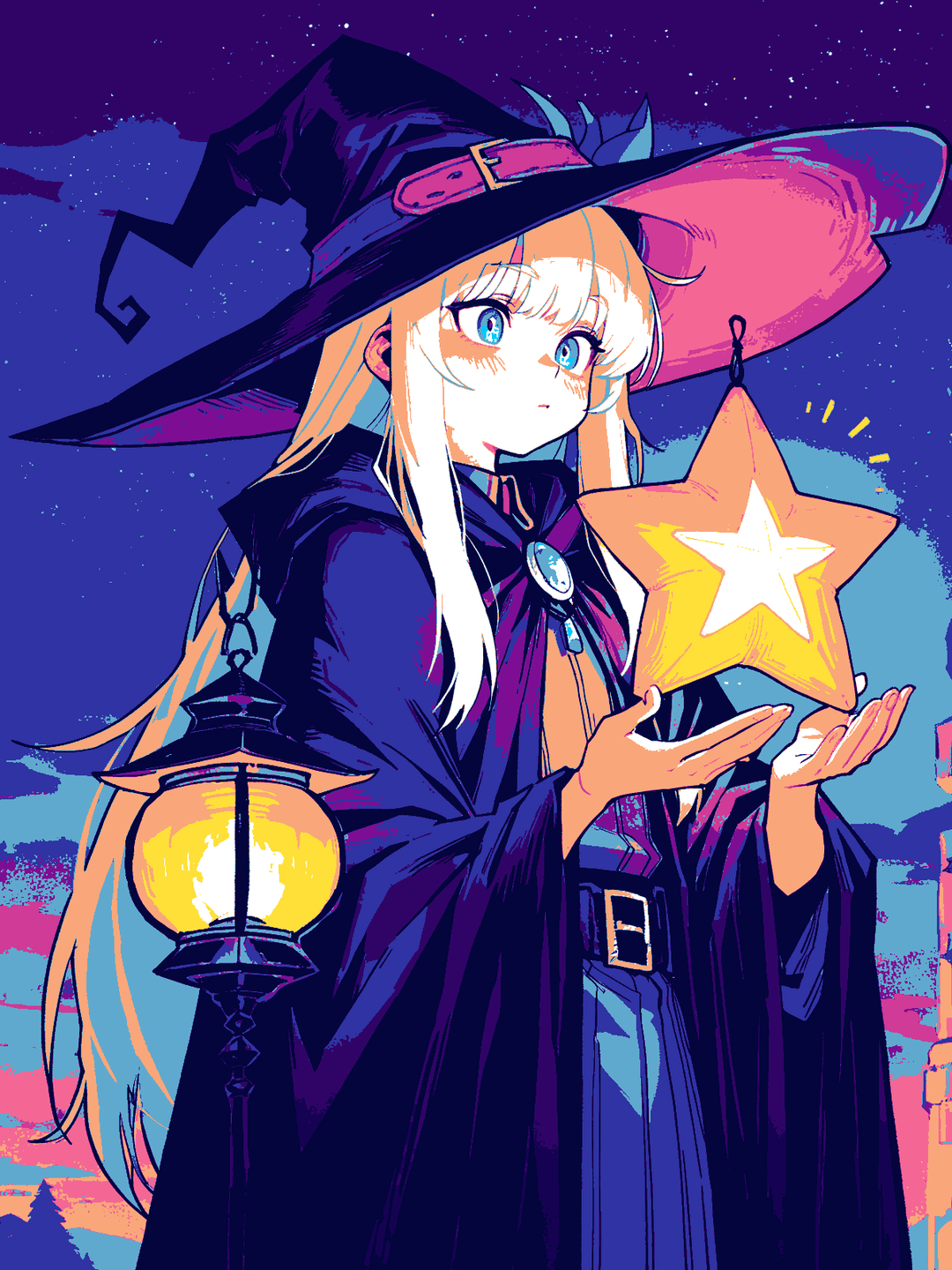 13 COLORS
A 13-color study that separates dark clothing from luminous starlight.
Read the case study↗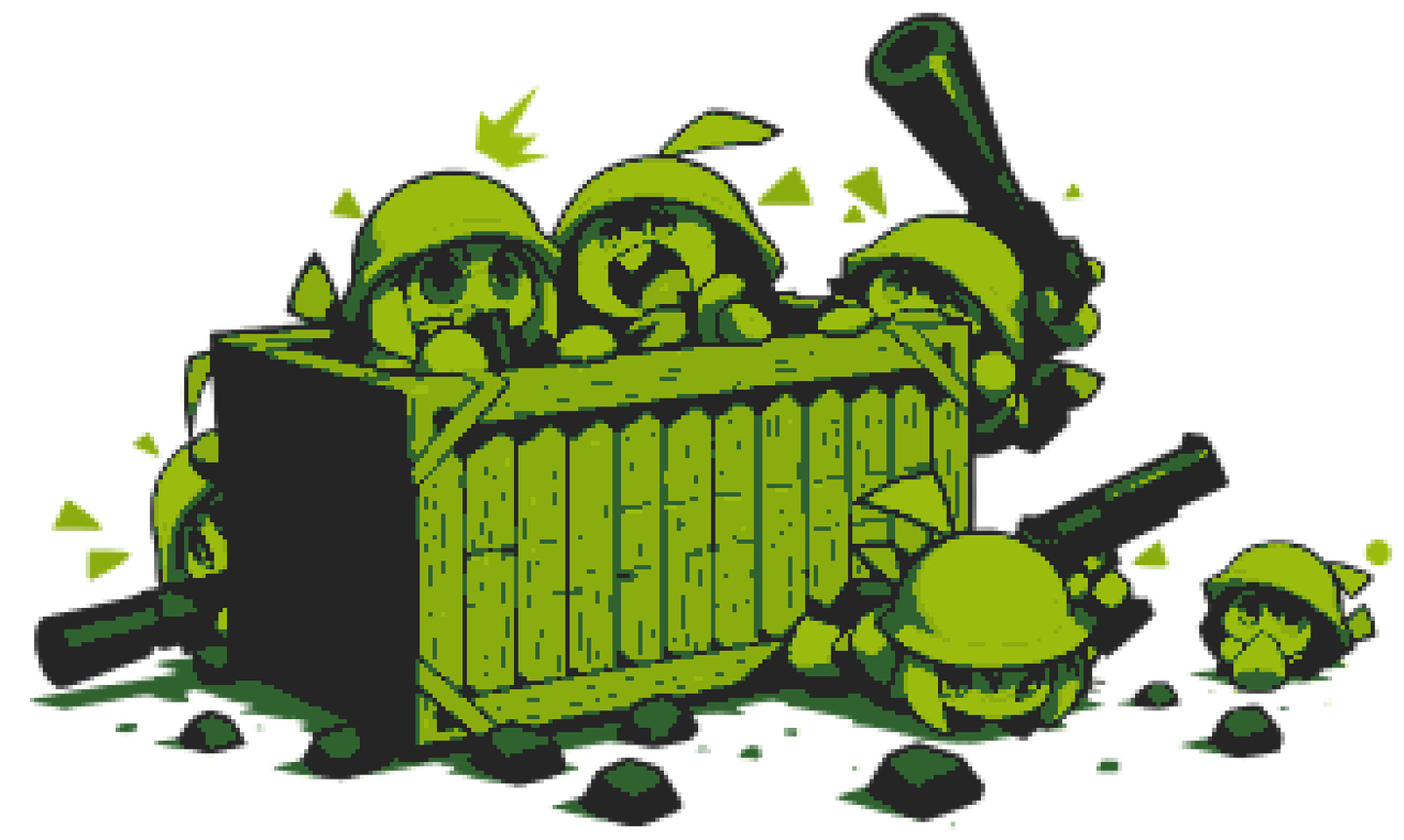 5 COLORS
A five-green palette and 5 px pixelation create a handheld-console look.
Read the case study↗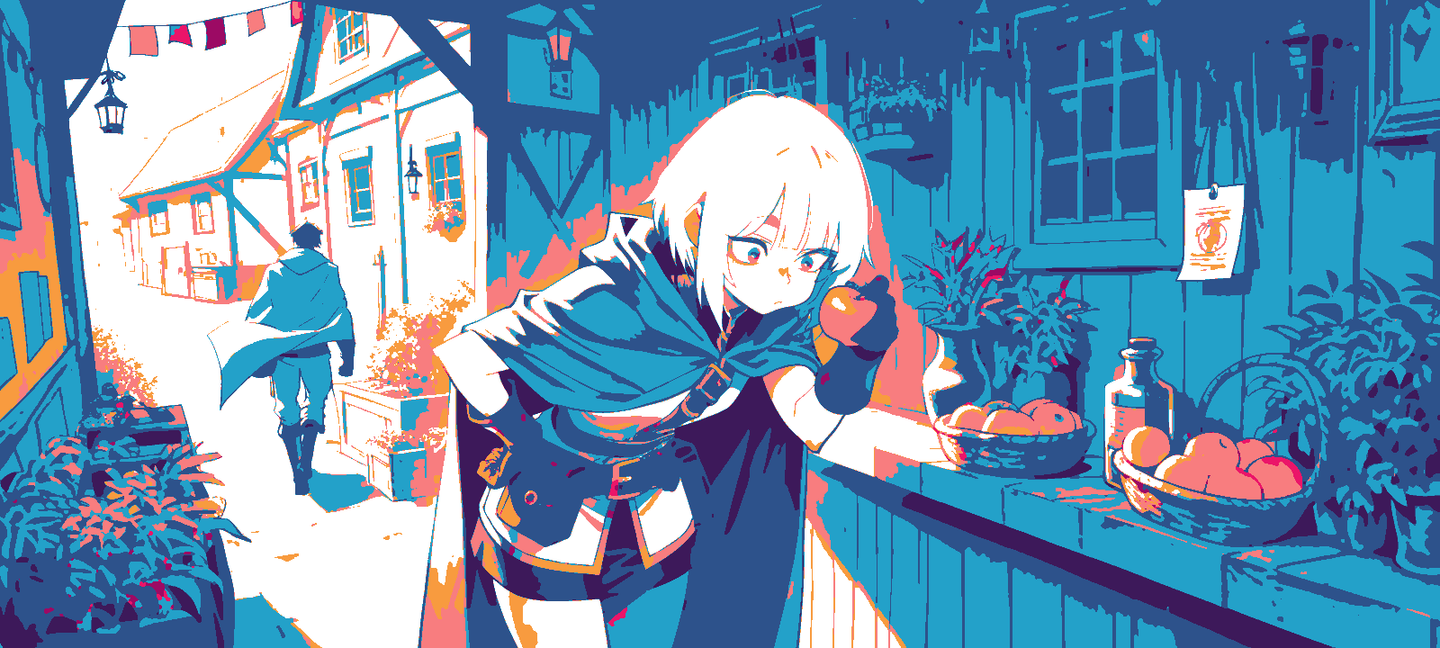 12 COLORS
Monochrome colorization and twelve fixed colors rebuild sunlight, shadow, and linework like a poster.
Read the case study↗Example images were AI-generated and use real Palette Forge settings.
Choose or paste PNG, JPEG, and WebP files, then select the image to edit.
Set the final count and lock essential colors with HEX, RGB, or the eyedropper.
Tune corrections, automatic palette tendency, surface cleanup, and pixel size.
Recalculate from the original and save as PNG, JPEG, or WebP.
Keep chosen colors while calculating only the remaining palette slots.
→02Balance fine detail against broader, cleaner color surfaces.
→03Compare smooth alpha, binary alpha, and output resolution.
→04Understand the speed and consistency tradeoffs of shared and per-frame palettes.
→